
PocketX Web · Browser trading terminal
The terminal, with nothing to install.
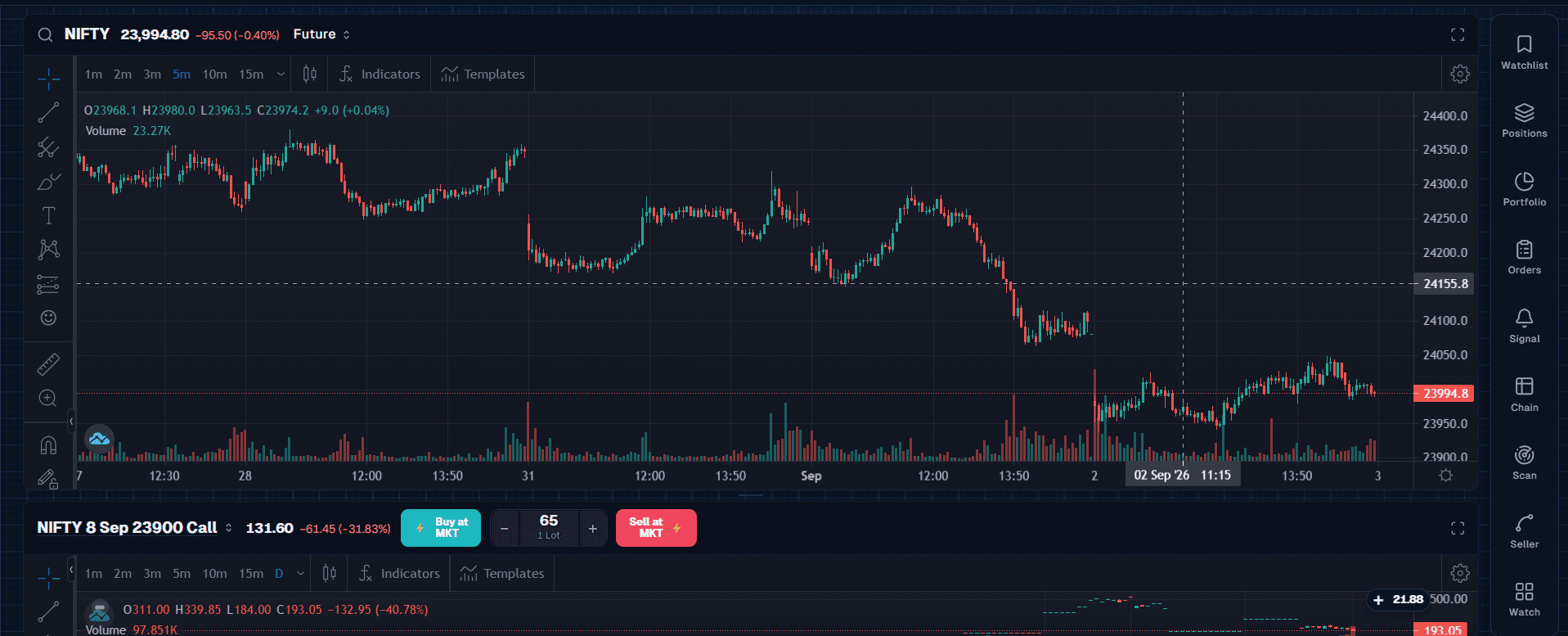
Watchlists, advanced charts and a fast order ticket over live market depth — in a browser, on whatever machine your client happens to be sitting at.
The desk-bound half of PocketX, for the client whose phone is not enough and the dealer taking an order on their behalf.
- Runs in the browser
- Live market depth
In plain words
What PocketX Web actually is.
A web terminal is what a client reaches for when the position is large enough to want a keyboard. It is also what your dealing desk works in when a client rings the branch — which is why it matters that both are looking at exactly the same book.
This is the browser half of PocketX, running today. Nothing to install, nothing to update, and no version of it in the wild that is three releases behind because a client never opened the store.
The demo
The terminal, right here.
Sign in securely
Use your client code to authenticate. Credentials stay with your broker, and short-lived tokens are issued after verification.
Don’t have a trading account? Open one with your broker.
What you get
Four things it does, and what is behind each.
Every line below names something that can be shown in a walkthrough. If one of them cannot be, we would rather you found out in the hour than after the signature.
Depth, live
Live market depth with the order ticket beside it, so a price is acted on from the screen it was read on rather than from memory.
- Full market depth
- Fast order ticket
- Keyboard-driven
Charts with room
The chart the phone cannot give you: multiple panes, the full indicator set, and drawings that stay put between sessions.
- Multi-pane layouts
- 100+ indicators
- Drawings that persist
Watchlists that travel
The same watchlists, positions and orders the app has — one account, two surfaces, no second set-up.
- Shared with the app
- Multiple watchlists
- One sign-in
Nothing to deploy
A browser and a sign-in. No install, no desktop rollout, and no client stuck on a build nobody can update.
- No install
- Updated centrally
- Works on any machine
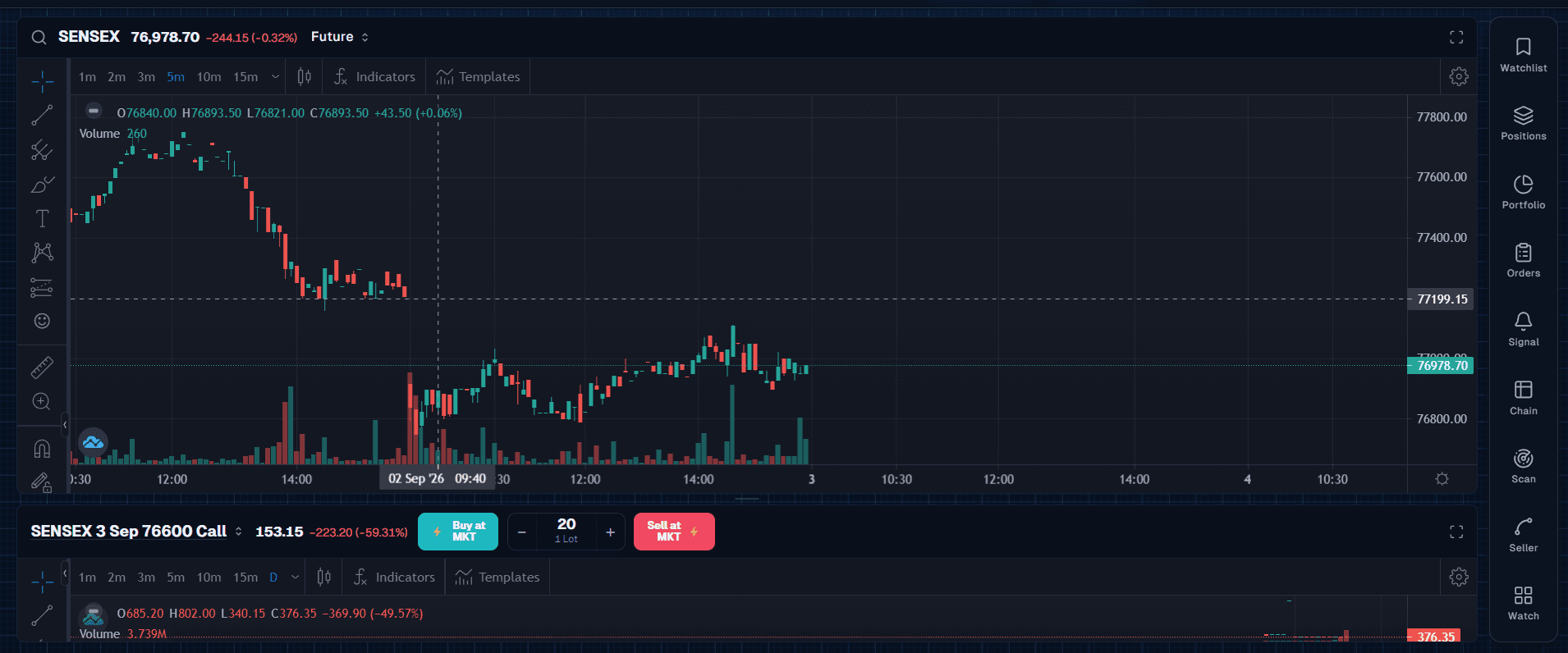
The same workspace, on BSE
Nothing changes but the instrument. Two panes, each with its own interval, and the strike being worked on the row below the index.
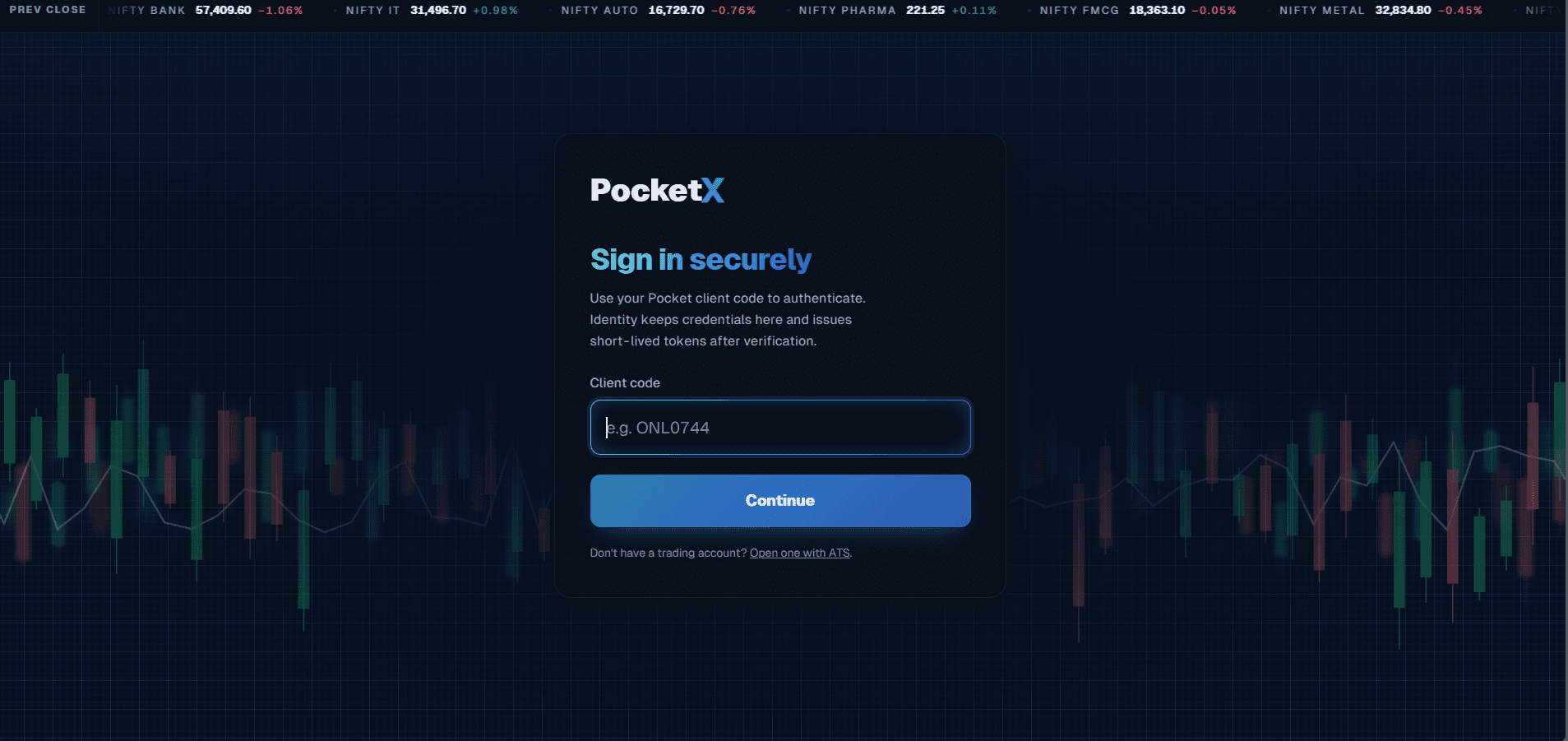
Signed in on a client code
The same credential as the app, and the same promise about what happens to it — with the sector tape already running behind the card.
Captures of the shipped product, not renderings of it. Every screen, with what is visible in each, is at the PocketX screens.
Common questions
The ones that come up on the first call.
If yours is not here, it is a better use of an hour than a slide deck — bring it to a walkthrough.
Can we take the terminal without the app?
Yes. They are separate modules and either stands on its own. Most firms take both, because a client who uses one asks for the other within a quarter.
Does it work on a slow connection?
It is built for one — a branch on a domestic line is the normal case in most of India, not the exception. Bring us your worst branch connection at the walkthrough and we will run the terminal on it in front of you.
The next step
See PocketX Web on your own books.
Tell us how this part of your firm runs today and what you would want it to stop doing. We will walk you through the same screens your team would work in.
Or call +91 76765 83344